
Click to download now, finish the installation quickly, and directly unlock the all-round experience
Screenshots
Click to download now, finish the installation quickly, and directly unlock the all-round experience
Design Space: DIY with Cricut earns its place for one clear reason: it connects digital project design with compatible Cricut cutting machines in one workflow. That makes it relevant to people who want to create labels, cards, decals, decorations, gifts, and other customised projects without moving between separate design and machine-control tools. It is best suited to Cricut owners, from beginners working from ready-made projects to experienced crafters building their own layouts.
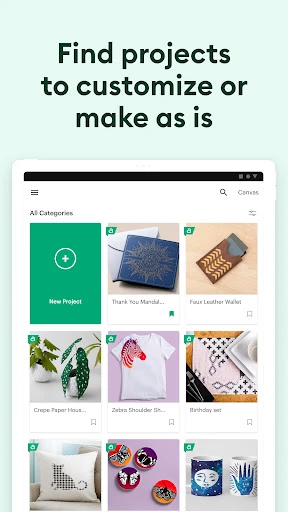
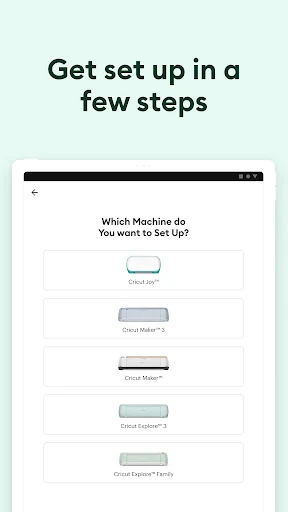
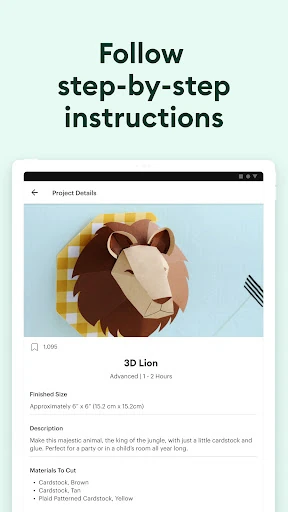
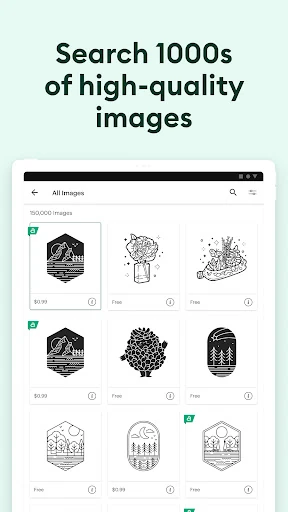
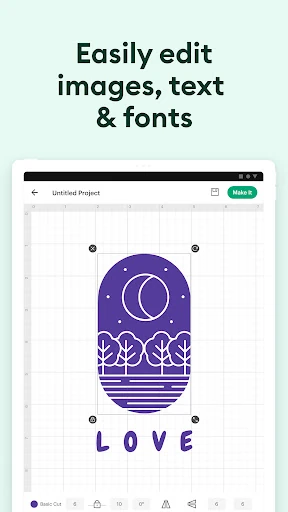
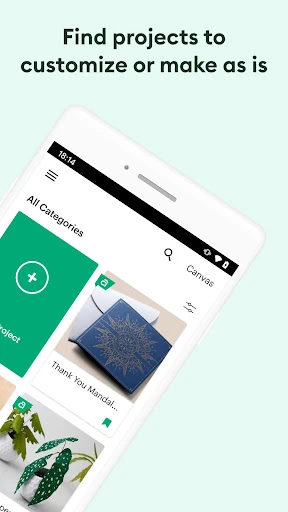
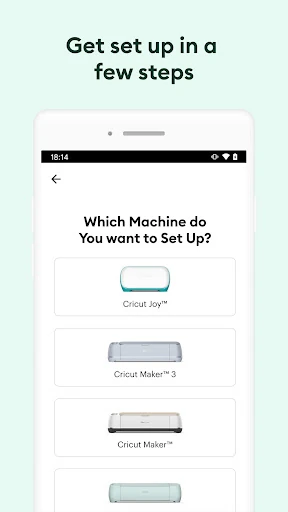
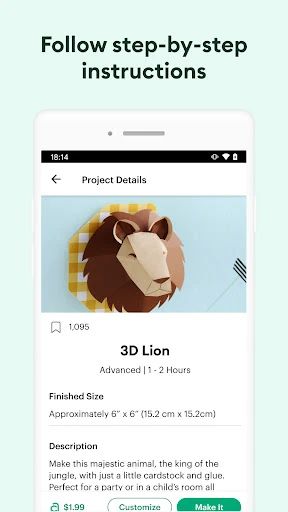
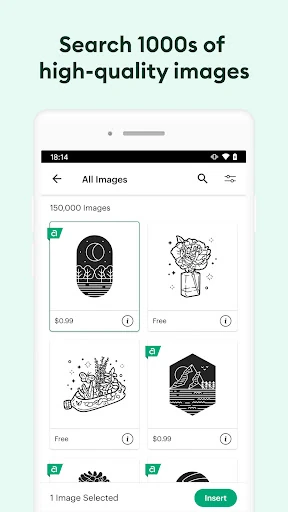
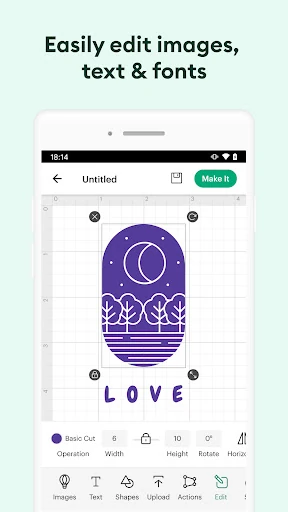
The app lets you prepare designs for Cricut Explore and Maker machines using an Android device. You can arrange images, add text, work with layers, and send a finished project to the machine over Bluetooth. Its library of images, fonts, and project templates gives new users a starting point, while more confident makers can use the editing tools to create personalised designs.
Developed by Cricut, the app has more than 5,000,000 installs and a rating of about 3.9 out of 5 from 84,541 reviews. That combination points to broad use alongside a mixed experience across its large user base. The app is worth considering if you already use Cricut hardware and want a mobile design companion; it is less relevant if you need a general-purpose graphics editor without a Cricut machine.