AI Photo Enhancer - PixLift
Daily AI Studio
Downloads
1,000,000+
Version
Latest
Click to download now, finish the installation quickly, and directly unlock the all-round experience
Screenshots


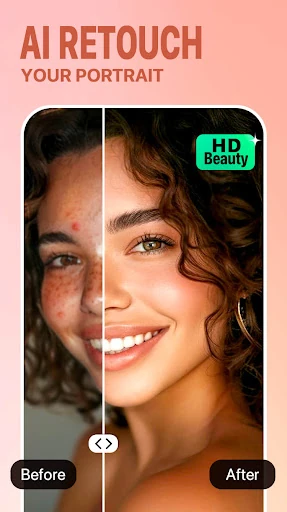
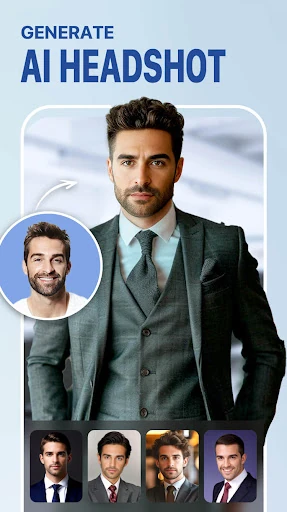

Click to download now, finish the installation quickly, and directly unlock the all-round experience
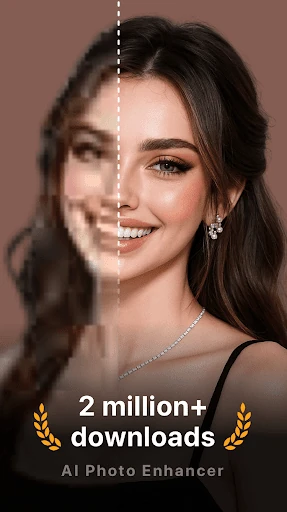
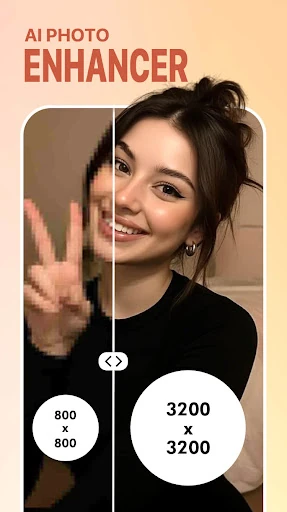
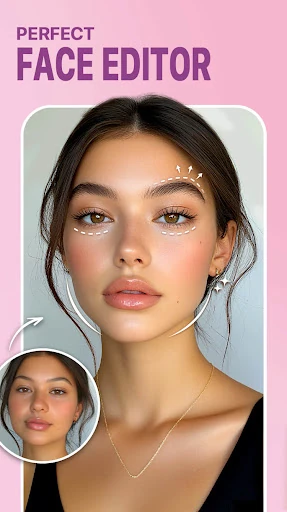
AI Photo Enhancer - PixLift is a mobile photo editor for improving images that are blurry, low-resolution, scratched, faded, or in need of light portrait retouching. It suits people who want quick, automated results rather than detailed control over every adjustment, including social media users, casual selfie editors, and anyone working with older family photographs.
PixLift earns consideration because it brings several distinct photo-repair tasks into one focused app. Its usefulness is clearest when the original image has a specific problem: unclear detail, visible damage, an old monochrome appearance, or a portrait that needs simple cleanup. That gives the selection a practical basis instead of relying only on the general promise of AI editing.
The app is published by Daily AI Studio in the Photography category. Its 4.43-star rating from 20,995 reviews and 1,000,000+ installs suggest that it has reached a substantial audience and gives prospective users more evidence to weigh than a feature list alone. PixLift is best judged as an automated enhancement tool: convenient for fast changes, but less suited to editors who want extensive manual adjustments.