Click to download now, finish the installation quickly, and directly unlock the all-round experience
Screenshots
Click to download now, finish the installation quickly, and directly unlock the all-round experience
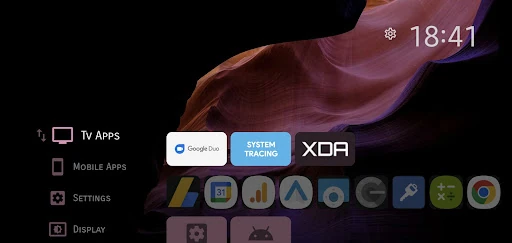
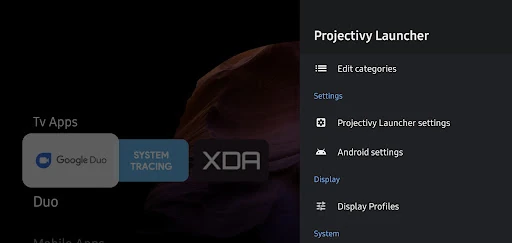
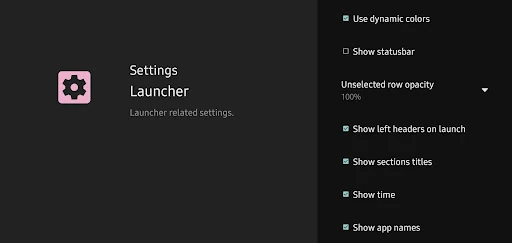
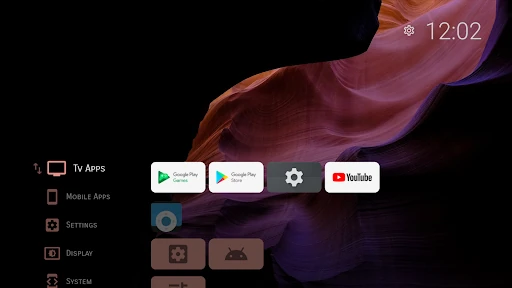
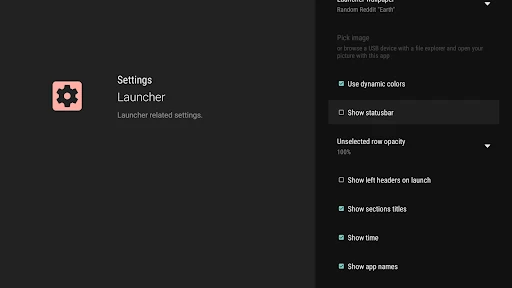
Projectivy Launcher is a replacement home-screen launcher for Android TV devices, including televisions, projectors and set-top boxes. It suits viewers who want a more orderly way to reach apps and inputs, with control over layout, categories, channels, icons and shortcuts instead of relying on the device’s stock interface.
The reason to choose Projectivy Launcher is its focus on reducing the friction of everyday TV use. It puts customization in practical places: arranging content, opening a preferred app or input source, and adapting the screen to the room. That makes it a relevant pick for people who find a manufacturer’s launcher crowded, inflexible or ad-heavy. The selection is supported by a 4.46 rating from 2,206 reviews and more than 1,000,000 installs, though those figures are evidence of use rather than a guarantee that every device will behave the same way.
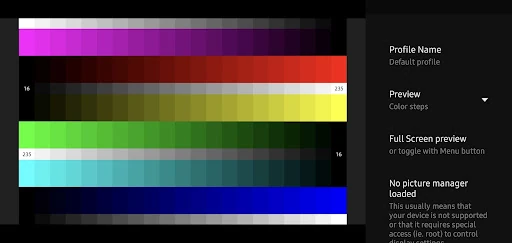
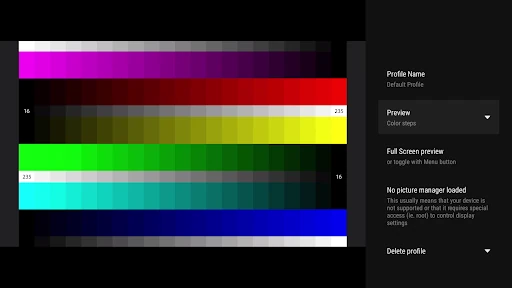
Projectivy Launcher also includes parental controls, accessibility settings and backup options for saving preferences. Display calibration patterns cover areas such as 4K, Dolby Vision and judder testing. On supported hardware, it can detect links to hidden engineering menus from manufacturers and platforms including MediaTek, Amlogic, Xiaomi and FengOS.
Developed by Spocky, the app belongs in Personalization rather than being treated as a general media player. Its value depends on how much control your current launcher gives you and which features your particular TV or box exposes.